When people first start using AI coding tools, the instinct is almost always to jump straight into implementation: "Build a login feature," "Add validation to this form."
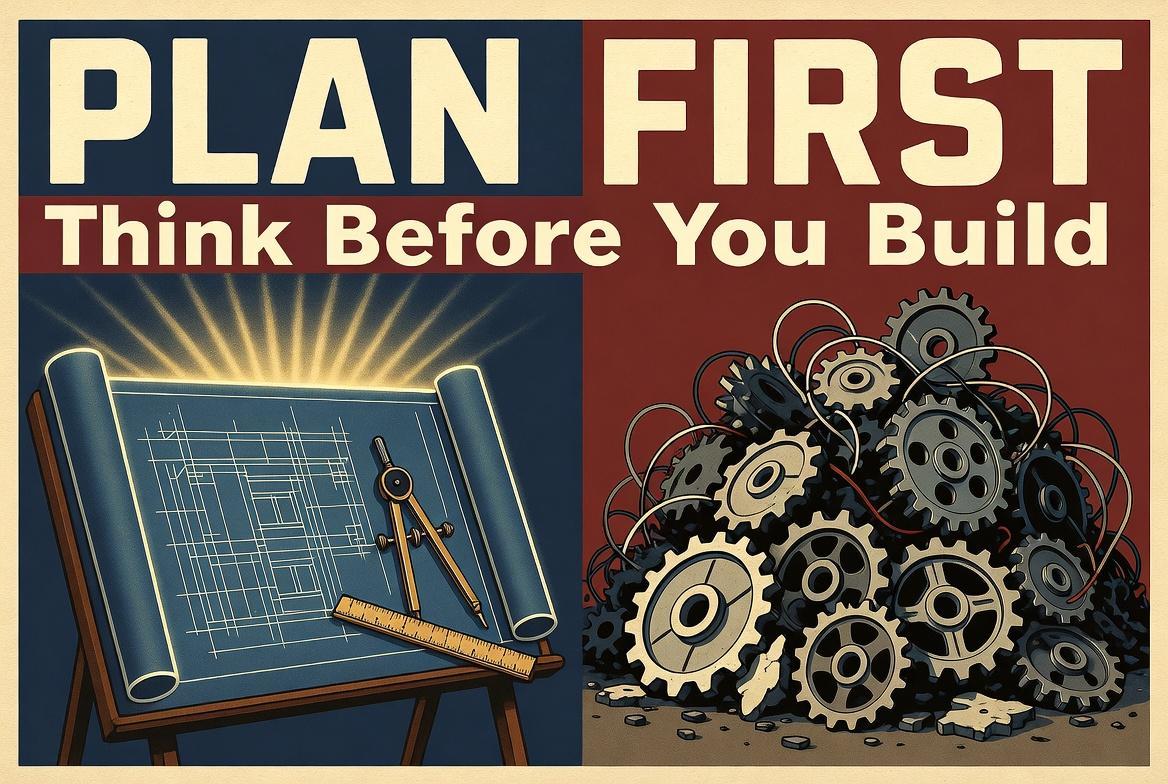
That's perfectly natural. But as soon as a project carries any real complexity, direct implementation requests become a recipe for trouble — conflicts with existing code, redundant implementations, unintended architectural drift. Most of these problems can be prevented by inserting a simple "think before you build" step.
Claude Code's Plan Mode is exactly that step, turned into a workflow. And it's not just Claude Code — OpenAI's Codex has also implemented its own Plan Mode, making this a standard capability across major coding agents.
What Plan Mode Does
Plan Mode is an analysis-first mode built into AI coding agents. In both Claude Code and Codex, toggle it with Shift+Tab (Codex also supports the /plan command), and the AI will analyze your codebase and produce an implementation plan without modifying files or running commands. Claude Code enforces this as a strict read-only state, while Codex controls it at the prompt level. Either way, the intent is the same: enforcing "thinking without doing."
This delivers two key benefits.
Conflict detection with existing code. In Plan Mode, the AI scans the codebase before proposing changes, identifying whether similar logic already exists or whether the planned change would clash with established patterns. This prevents the classic "my addition broke something else" scenario.
DRY-compliant design. Because the AI understands the existing code structure before planning, it suggests reusing shared utilities and implementing at appropriate abstraction levels. This avoids the "yet another similar function" problem that's common when coding without a plan.
The Spec-Driven Mindset
Taking Plan Mode one step further leads to what's known as spec-driven development.
Traditionally, writing specifications was a human task — gathering requirements, mapping impact areas, documenting implementation strategies. Important work, but time-consuming. With Plan Mode, you can delegate the first draft of this specification to the AI.
The workflow is straightforward: describe your requirements in Plan Mode, review the AI-generated implementation plan, refine it as needed, then proceed to implementation. Instead of writing the spec, you're reviewing a spec the AI wrote.
This aligns with the "Spec-driven development" concept highlighted in Thoughtworks' 2025 Technology Radar. Rather than throwing vague instructions at an AI, you communicate through clear specifications. Plan Mode is one of the most accessible entry points to this approach.
Understanding Plan Mode's Limitations
For all its benefits, Plan Mode has limitations worth knowing about.
Overhead for Well-Understood Changes
When you know the project structure intimately and the change is clearly scoped, Plan Mode's analysis phase becomes overhead. The AI spends time and tokens reading through the codebase for a change you could describe in one sentence.
A practical rule of thumb: if you can describe the exact diff in one sentence, skip Plan Mode. If you can't, use it.
The Plan File Management Problem
This may be Plan Mode's most significant challenge. How plans are stored differs by tool, and each approach has its own issues.
In Claude Code, generated plan files are automatically saved to ~/.claude/plans/, but the practical experience leaves much to be desired.
- Meaningless file names. Plans are saved with random names like
async-bouncing-blossom.md, making it nearly impossible to find a specific plan later - Cross-project contamination. All plans from every project on the same machine are dumped into a single folder. You have to open each file to determine which project it belongs to
- Rarely re-referenced. Plan files are created but almost never automatically referenced in subsequent sessions. Implementation plans become effectively disposable
This issue has generated numerous GitHub Issues on the Claude Code repository — it's a widely recognized pain point in the community.
In Codex, plans generated in Plan Mode aren't saved to files at all by default. They exist only as part of the session transcript and vanish when the session ends. To preserve plans, you need to explicitly instruct the agent in your prompt — for example, "Save the implementation plan to docs/plans/." The OpenAI Cookbook recommends a structured approach: define plan formatting rules in a PLANS.md file and reference it from AGENTS.md so the agent consistently saves plans to your repository.

Preserving Plans as Project Assets
How can you turn Plan Mode's output into lasting project assets? Here are several approaches.
Manually Saving to Your Project
For Claude Code, the simplest method is finding the right file in ~/.claude/plans/ and copying it to your project folder. Straightforward, but the cryptic file names mean you'll need to check file contents each time. For small projects, this is perfectly adequate.
For Codex, since plans aren't saved to files by default, you need to instruct the agent to save them via your prompt — for example, "Write the implementation plan to docs/plans/ as a Markdown file." Adding this instruction to AGENTS.md (e.g., "In Plan Mode, always write the plan to docs/plans/") eliminates the need to repeat it every session.
Docker Isolation per Project (Claude Code)
For Claude Code specifically, running it inside a per-project Docker container with the plans directory mounted as a persistent volume naturally isolates plan files by project.
# docker-compose.yml (example)
volumes:
  - ./plans:/root/.claude/plans
  - ./CLAUDE.md:/workspace/CLAUDE.md
This also isolates CLAUDE.md and other configuration files per environment — useful when juggling multiple projects. However, it requires Docker expertise, making it an advanced-user approach.
Structured Recording with sqlew
sqlew is an MCP tool that captures design decisions from AI coding sessions in a structured format. Install via npm and add it to your coding agent's MCP configuration to get started.
npm install -g sqlewAutomated ADR recording will be activated installing Plugins for Claude Code, or Skills and append prompt file for Codex. For detail, see below link.

What sets sqlew apart is its ability to classify recorded design decisions by project and by layer (functional area). Since coding agents reference this information automatically via MCP, past design intent carries forward into future sessions.
If Plan Mode is the mechanism for "thinking," sqlew is the mechanism for "remembering what you thought." The two complement each other: Plan Mode addresses the planning gap, while sqlew addresses the persistence gap that Plan Mode leaves open.
The OSS version of sqlew works with local files for individual use, but team usage requires setting up a MySQL/PostgreSQL database server. A SaaS version is also available for teams who want to skip server setup.
Conclusion: Make "Think Before You Build" a Habit
As a first step in AI-assisted development, Plan Mode is an excellent starting point. Shifting from "build immediately" to "plan first" — that single change dramatically improves the quality of your collaboration with AI.
Once Plan Mode becomes second nature, consider the next step: a system that records and reuses those plans. As AI's accumulated design context grows, its accuracy improves with each session. That positive feedback loop is the essence of spec-driven development.